Musician Tools
Practicely
Routine Planner & Metronome
Free + in-app purchase
Build structured music practice routines, track daily progress, and stay in time with a built-in metronome and speed trainer. Designed for focused instrument and vocal practice with private on-device and iCloud storage.

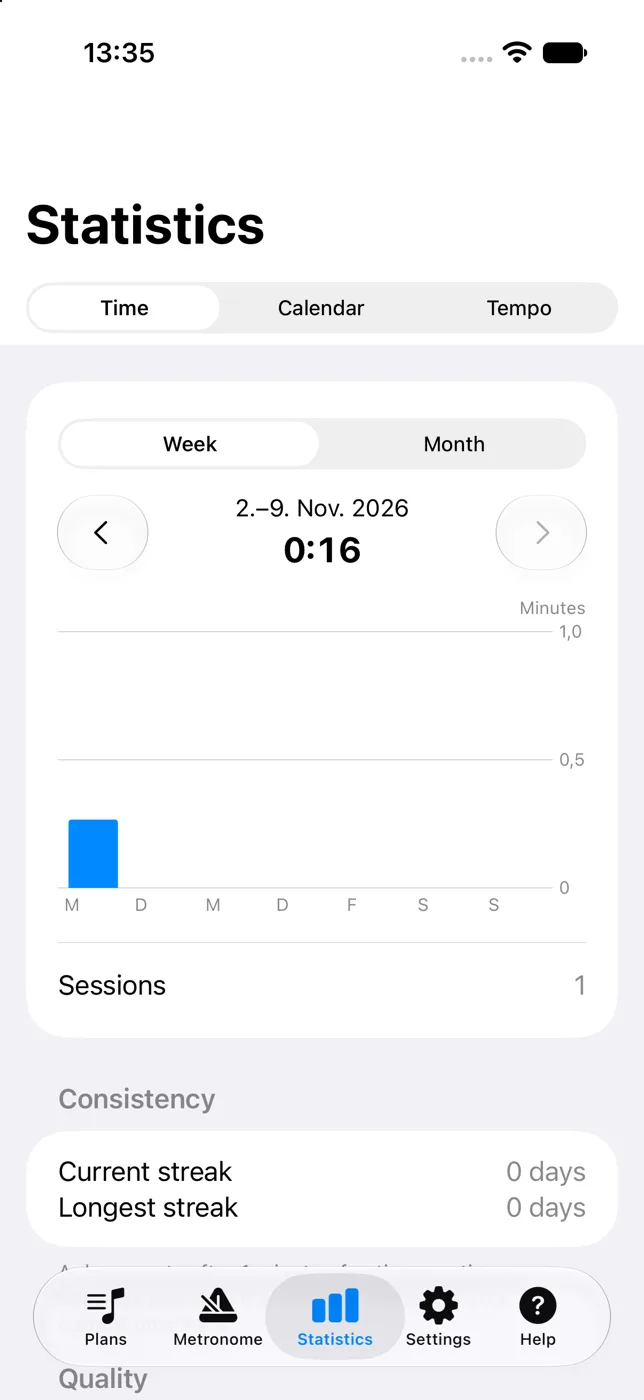
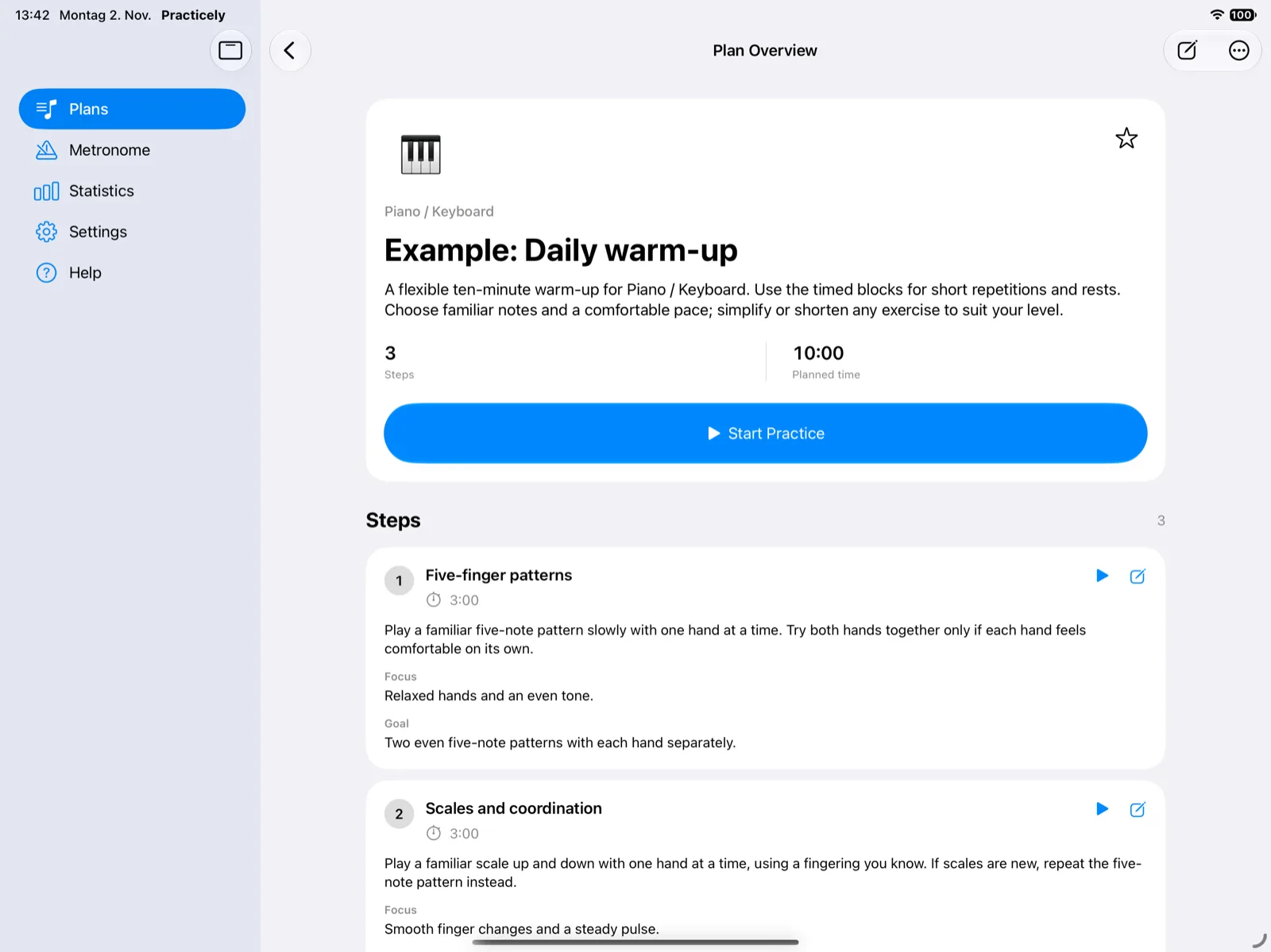
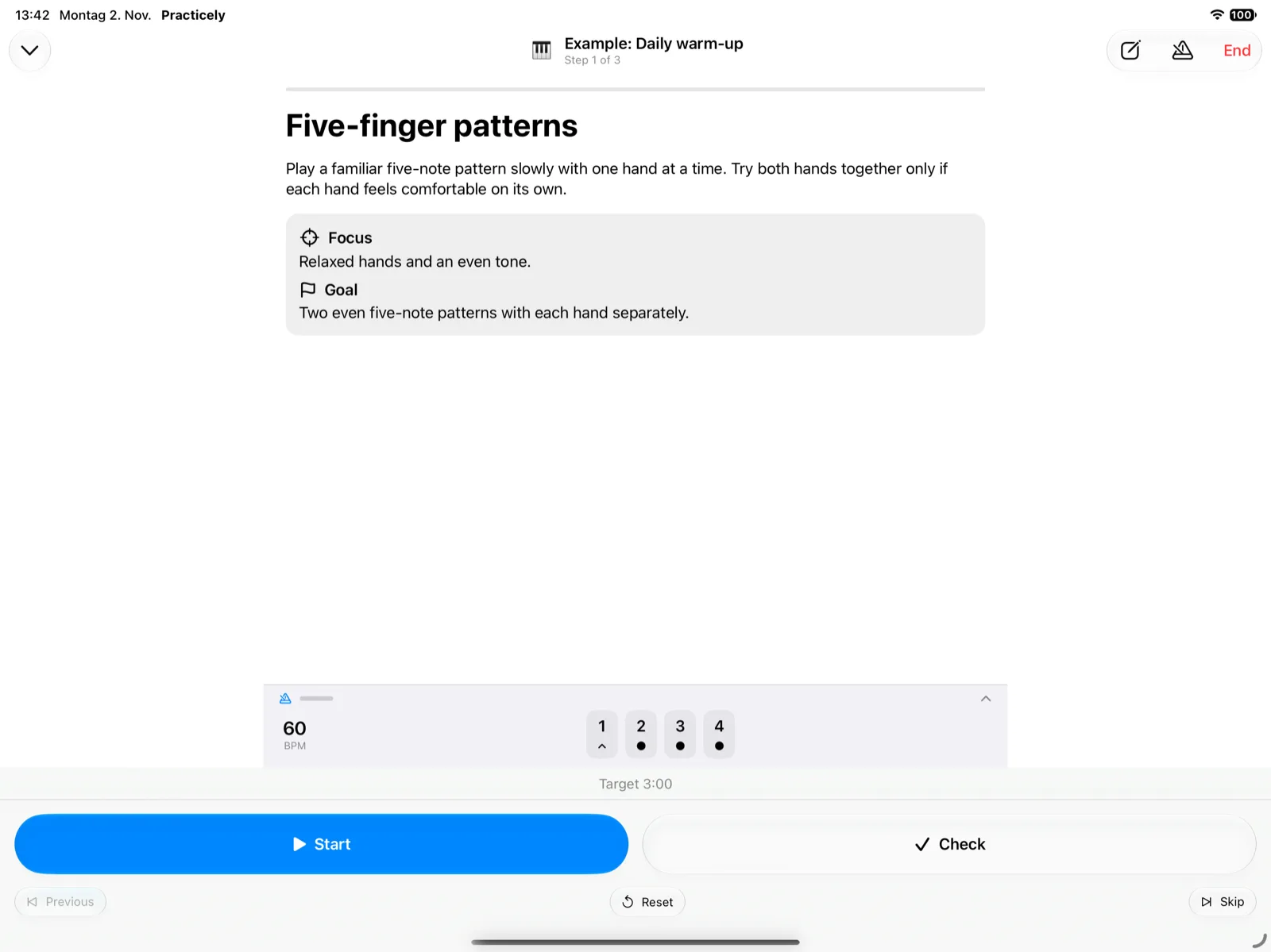
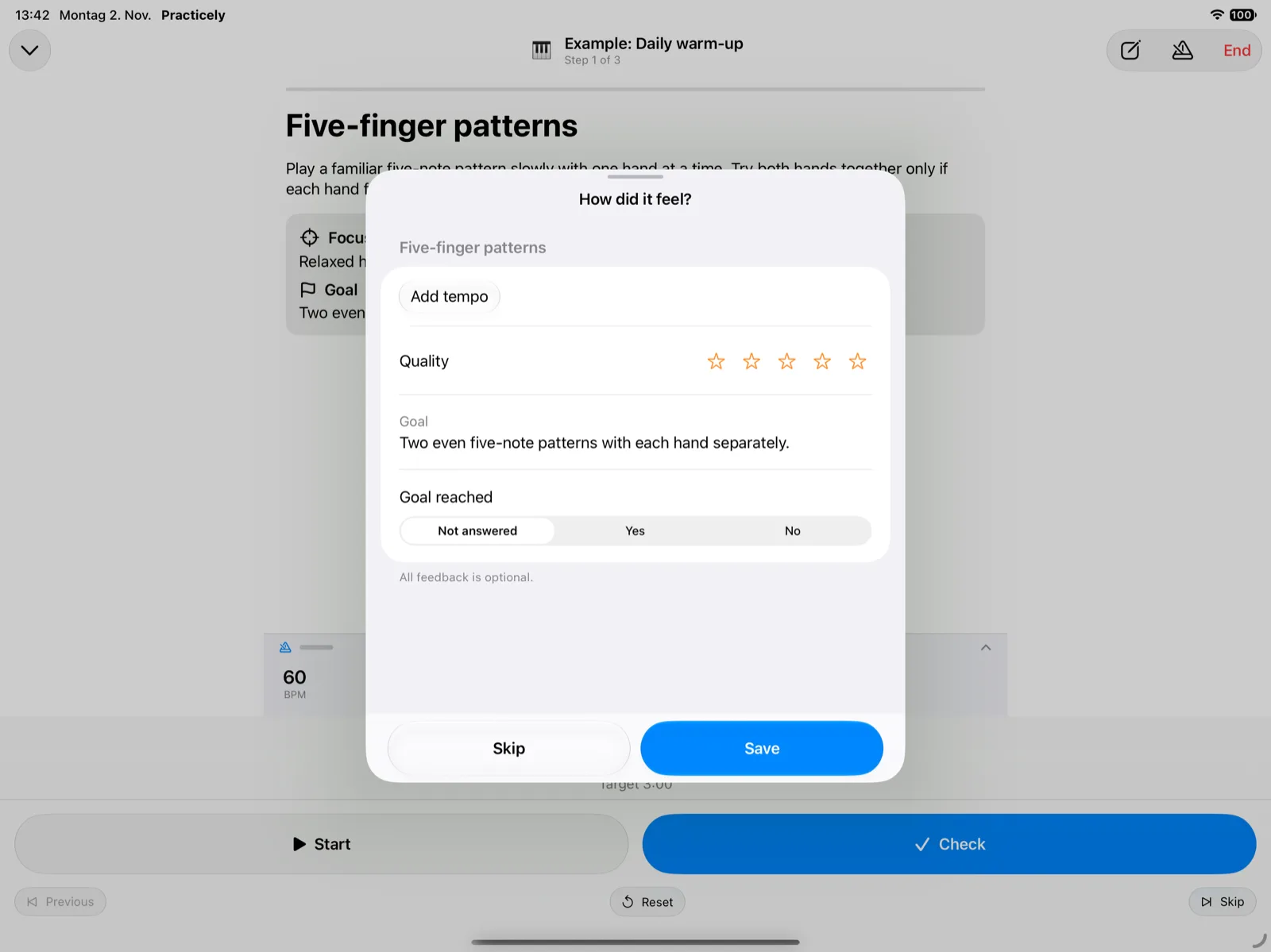
Screenshots
See Practicely in action.
Key Features
Built for iPhone, iPad, and Mac—plan your practice routines, stay locked in time, and build lasting musical habits.
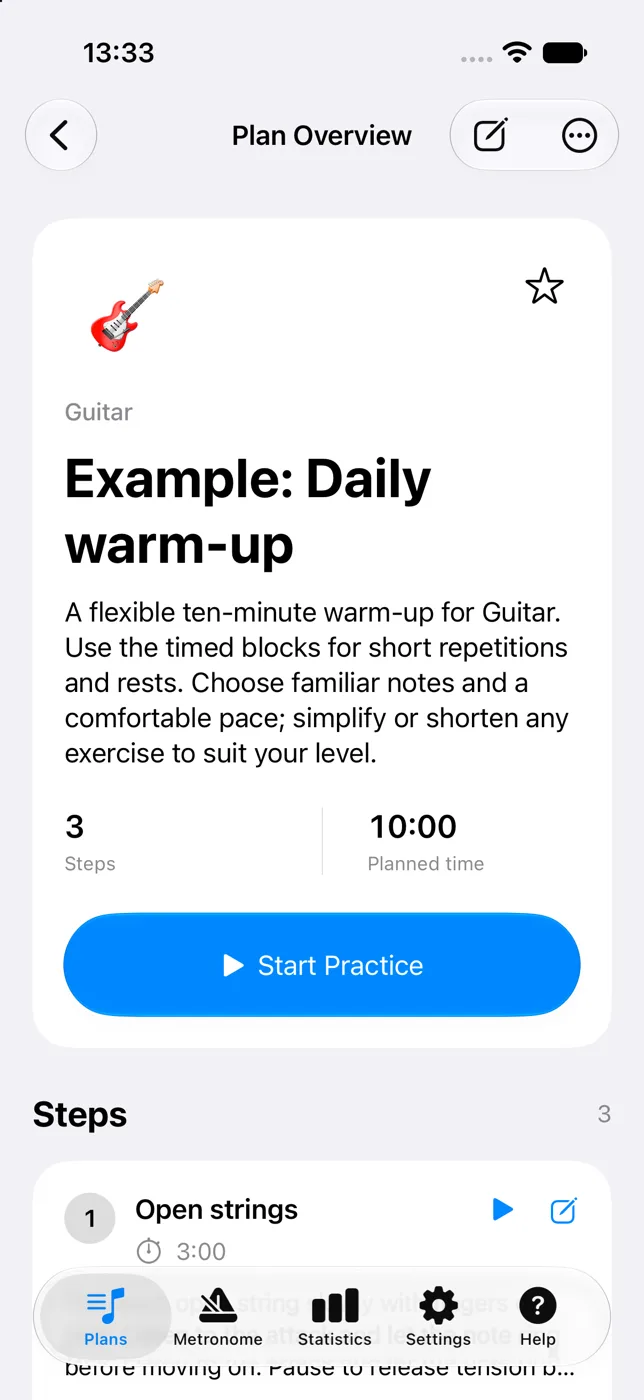
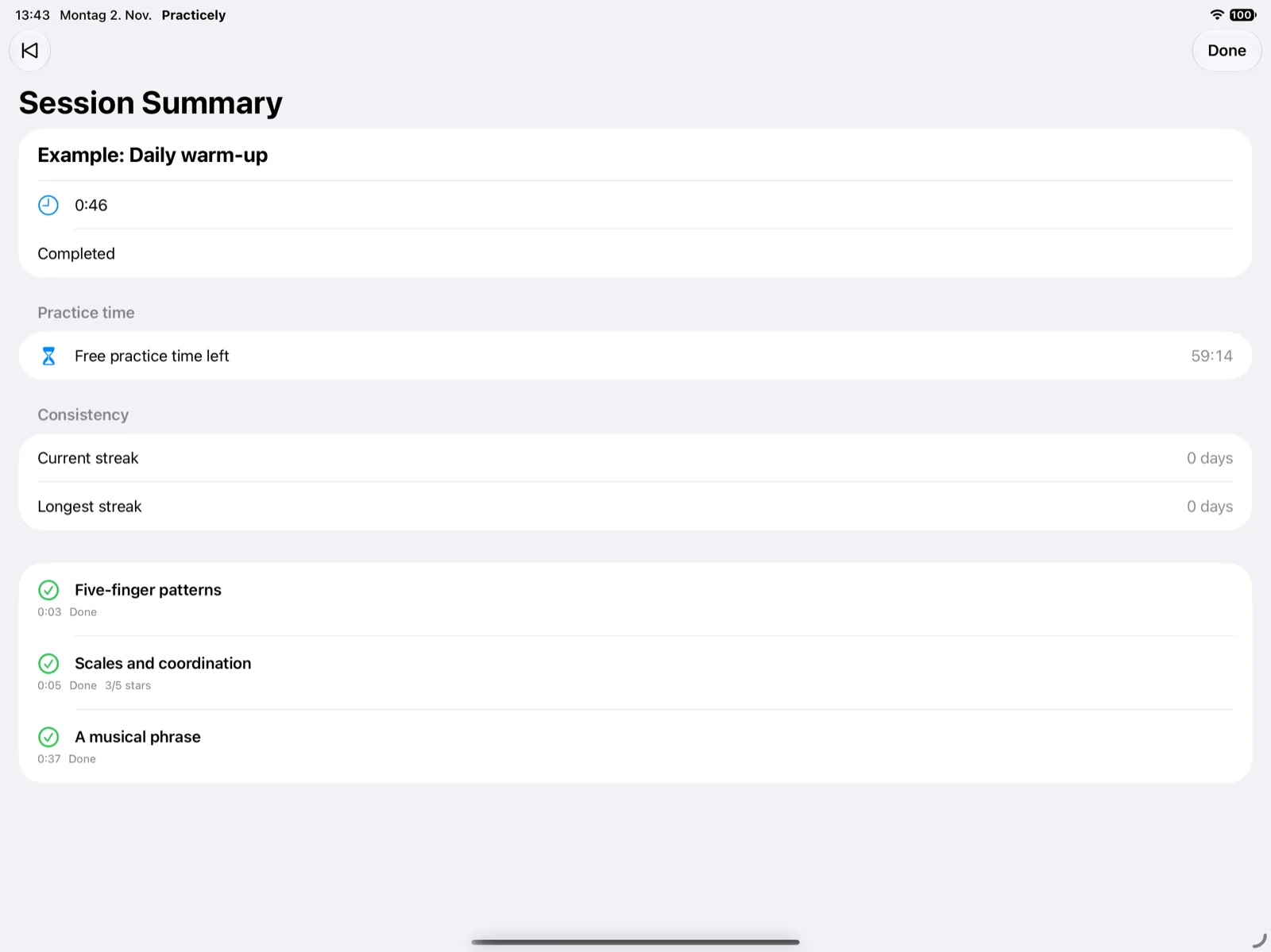
- Structured practice routines with step-by-step exercises, target times, instructions, goals, and reference links.
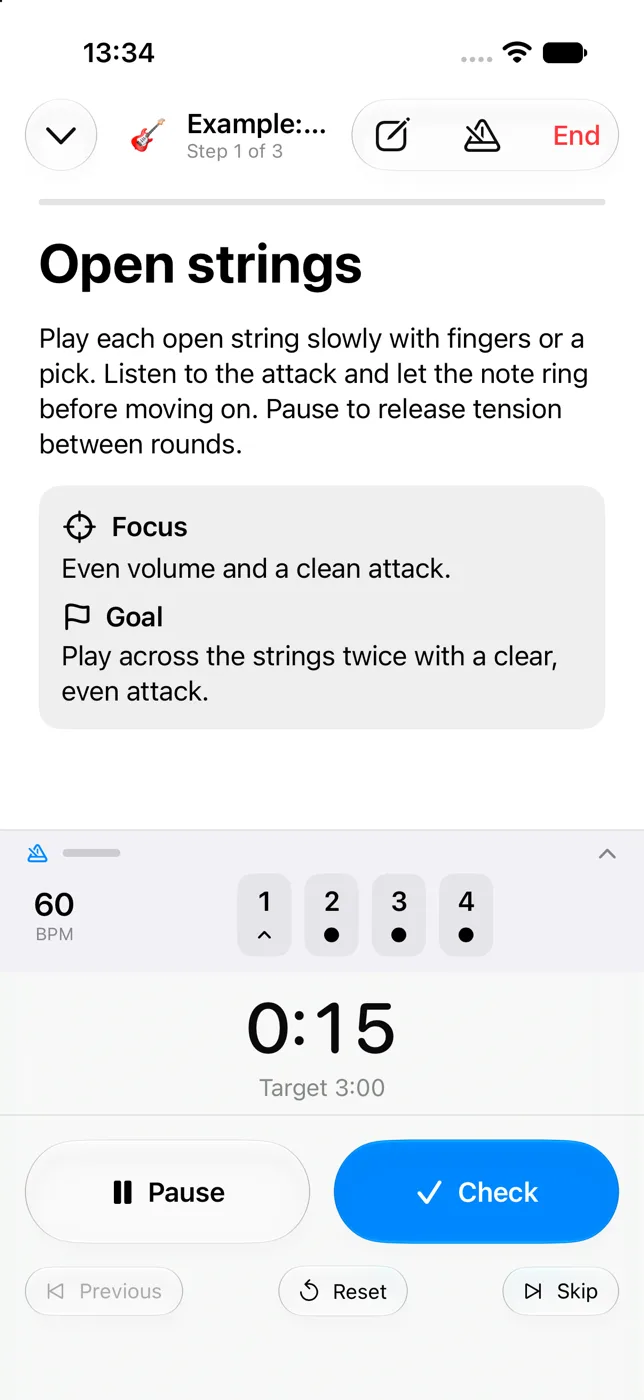
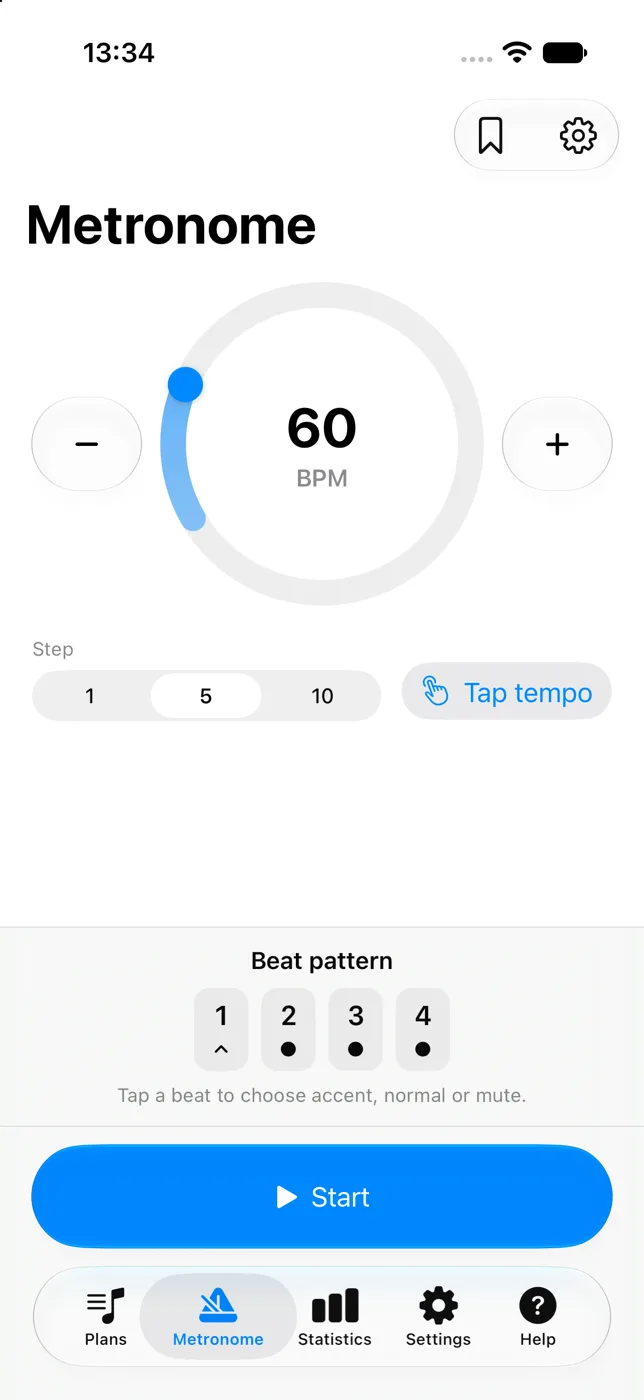
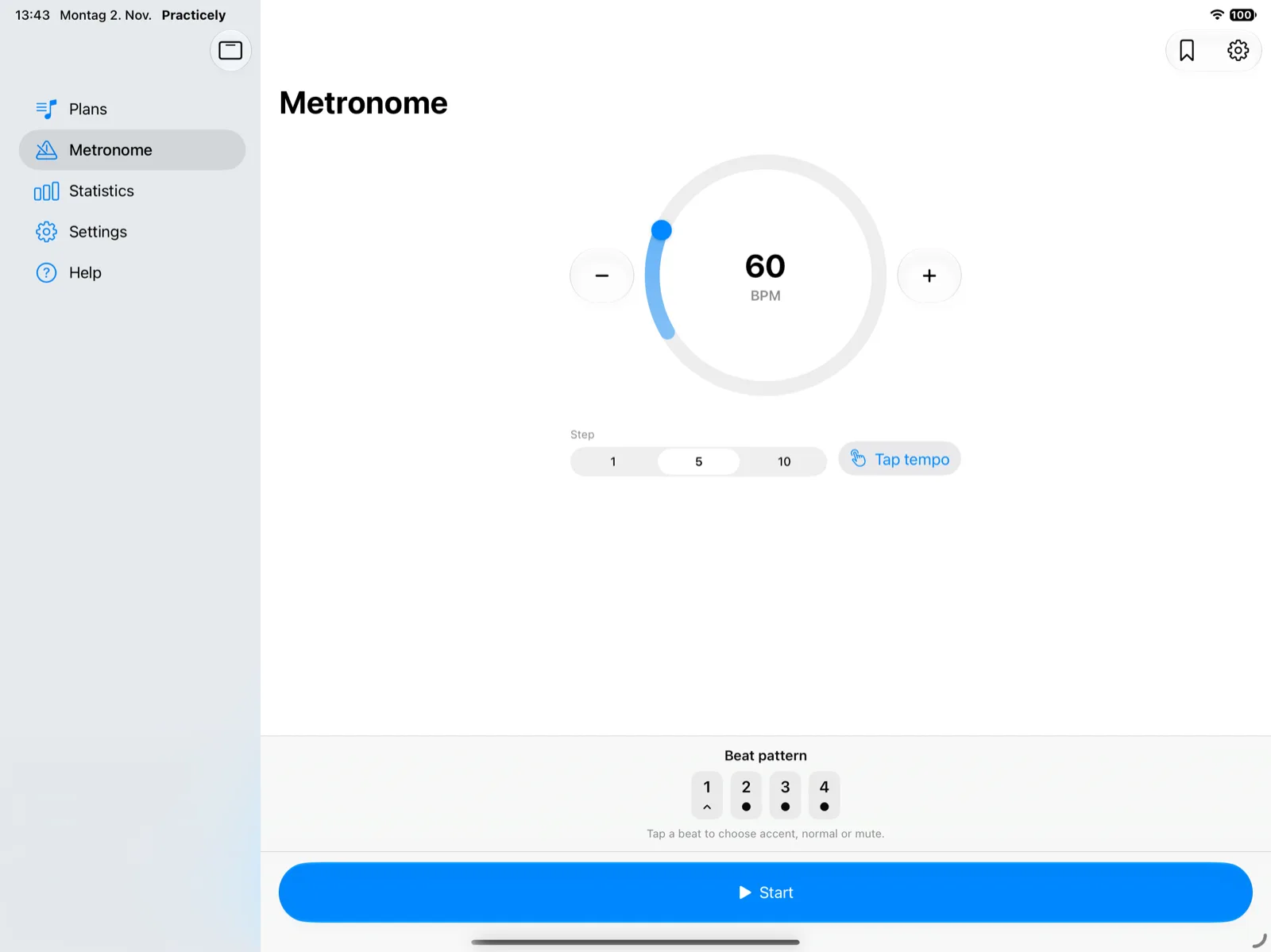
- Dedicated stopwatch timer & metronome with tap tempo, beat accents, subdivisions, and an automatic speed trainer.
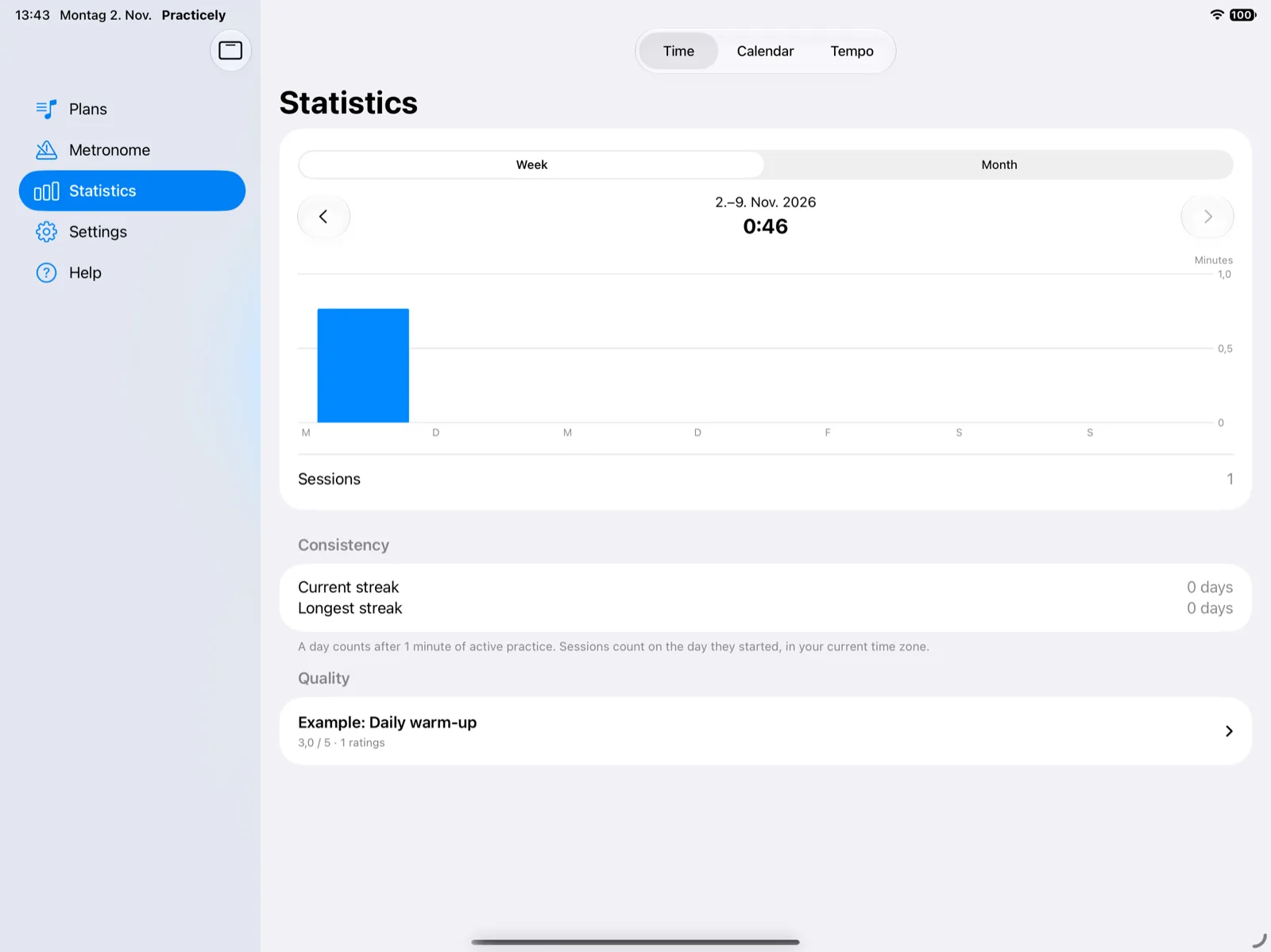
- Progress tracking & plan sharing with calendar streaks, BPM tracking, Live Activities, and .practicely file import and export.
Practice routines
Build routines tailored to your instrument.
Step-by-step workouts
- Organize warm-ups, technical drills, and song repertoire into sequential steps.
- Add clear instructions, focus reminders, goals, and target duration to every exercise.
- Attach reference links to sheet music, audio play-alongs, or instructional videos.
- Import and export routines using portable
.practicely files to share with students and colleagues.
Hands on your instrument
Designed for real practice sessions where your hands are busy playing. Every interaction works with a quick tap, and the stopwatch timer counts up without auto-advancing so you always remain in full control of your session pace.
Metronome & tempo
Precision timing with an integrated speed trainer.
Pro metronome
- Standalone or practice-linked click track with tap tempo, custom time signatures, and subdivisions.
- Configurable beat accents and mute states for focused rhythmic training.
- Seamlessly link metronome tempo to individual steps or use it independently at any time.
- Low-latency audio engine engineered specifically for iPhone, iPad, and Apple Silicon Mac.
Automatic speed trainer
- Gradually increases tempo toward your target BPM across intervals you choose.
- Automatically detects and records your highest achieved tempo in your session history.
- Follow tempo improvements over time to measure technical progress across exercises.
Tracking & habits
Stay consistent and follow your growth.
Calendar & streaks
- Calendar view displays planned, completed, and missed practice days at a glance.
- Consecutive-day streak tracking motivates daily consistency on your instrument.
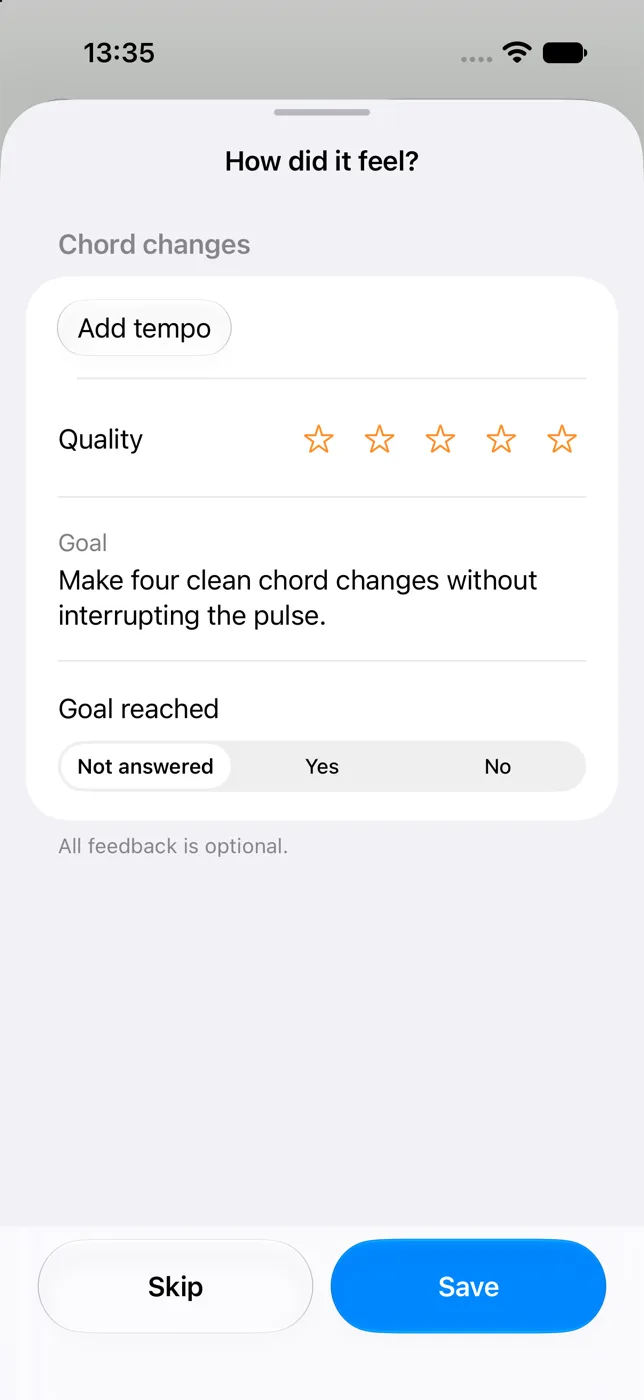
- Log notes, step ratings, and achievements right after finishing each exercise.
Live Activities
Follow active exercise time and pause or resume your session directly from the iPhone Lock Screen and Dynamic Island—without having to keep the app in the foreground while playing.
Privacy & sync
Your practice data belongs exclusively to you.
Private iCloud sync
- All plans, steps, session logs, and statistics sync securely via your personal iCloud container.
- No third-party accounts, tracking SDKs, or cloud advertising networks.
- Works completely offline whenever you practice away from an internet connection.
Safe external links
All reference links to sheet music, video lessons, and audio backing tracks open safely in your preferred web browser or external apps, without embedded web players or background trackers.
Licensing
Start free, unlock unlimited routines and sharing with Pro.
Free version
- One fully customizable practice plan with unlimited steps and target times.
- 60 minutes of total active practice time across sessions and metronome use.
- Full standalone and step-linked metronome with tap tempo, accents, subdivisions, and speed trainer.
- Step feedback, calendar completion marks, streak tracking, and Live Activities included.
Practicely Pro
- A single one-time purchase with no recurring subscriptions.
- Unlimited practice plans for warm-ups, exercises, and repertoire.
- Unlimited active practice time with no session boundaries.
- Export and import
.practicely plan files to share with students and fellow musicians.
- Supports Apple Family Sharing. Restore purchases is available in the app.